Whether you are a freelancer receiving payments in USDT, a business holding stablecoins or someone with Bitcoin in their wallet, there comes a time when you need access to Nigerian naira (NGN).
You might need to pay a supplier, settle bills, send money to family or simply withdraw funds to your bank account.
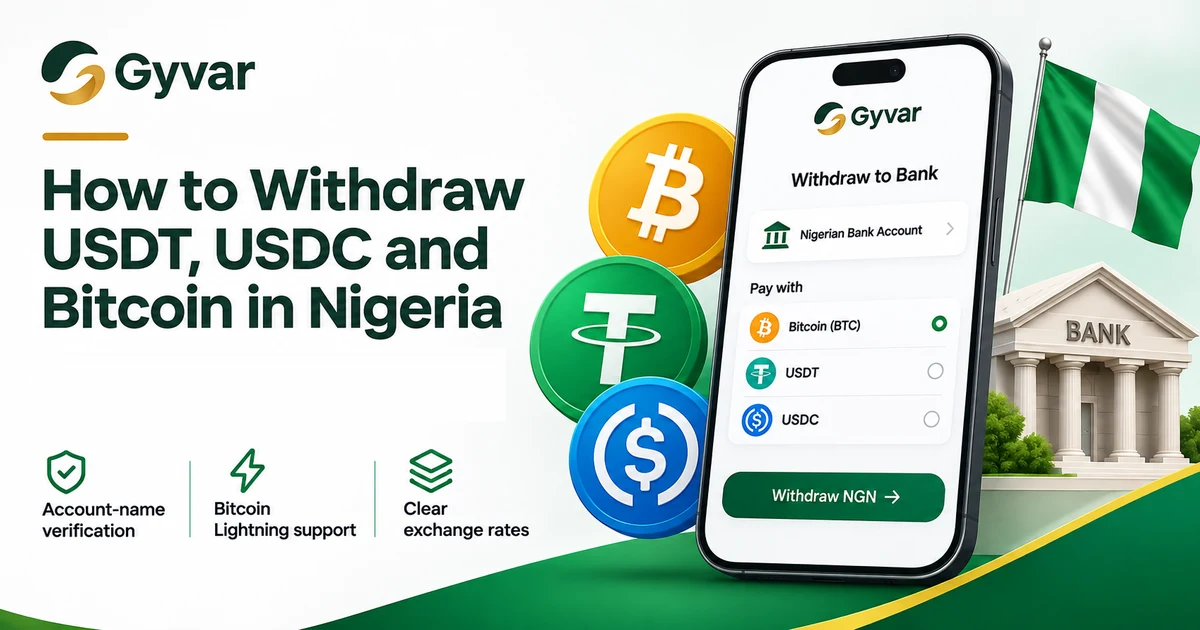
With Gyvar, you can withdraw directly from your Bitcoin, USDT or USDC balance to a supported Nigerian bank account, without having to find a P2P buyer. You can withdraw to your own account or someone else's, and the recipient does not need a Gyvar account. Before confirming, you will see the exchange rate and exactly how much naira the recipient will receive.
How do people get naira today?
Bitcoin and stablecoin holders in Nigeria often use peer-to-peer (P2P) trading or other services to access naira. With P2P, you typically find a buyer, agree on a rate and wait for payment into your bank account.
Gyvar offers a more direct route. You deposit Bitcoin, USDT or USDC into your Gyvar account and withdraw naira straight to a supported Nigerian bank account.
Where can you receive your naira?
Gyvar supports withdrawals to Nigerian bank accounts. You can withdraw to your own account or to someone else's, whether you are paying a supplier, sending money to family or covering personal expenses.
Before you save a recipient, Gyvar verifies the name on the bank account, so you can confirm you are sending to the right person. The recipient does not need a Gyvar account or a Bitcoin or stablecoin wallet. They receive naira (NGN) in their bank account.
Which balances can you withdraw from?
Gyvar supports withdrawals from three balances:
- USDT (Tether): a stablecoin designed to hold close to the US dollar.
- USDC (USD Coin): a stablecoin backed by US dollars.
- Bitcoin (BTC): sent on the Bitcoin network, or over the Lightning Network for smaller, faster transfers.
USDT and USDC are supported on selected networks. Always use the network displayed in Gyvar when you deposit. A deposit on the wrong network can be lost.
How to withdraw naira with Gyvar
- Create your account at app.gyvar.com.
- Complete verification. Confirm your phone number, then verify your identity with a valid ID and a selfie.
- Deposit Bitcoin, USDT or USDC to your Gyvar balance on a supported network. For Bitcoin, Lightning is an option.
- Choose the bank and enter the recipient's account number. Gyvar checks the account name before you save the recipient.
- Review and confirm. Enter the amount, check the exchange rate and the naira amount the recipient will receive, then confirm.
Once the withdrawal is complete, the recipient receives naira directly in their bank account. You can follow the status in your Gyvar account.
Why withdraw with Gyvar?
- Direct bank withdrawals. Naira to supported Nigerian bank accounts, without finding a P2P buyer.
- Account-name verification. Confirm the bank account name before the recipient is saved.
- Clear exchange rates. See the rate and the amount the recipient will receive before you confirm.
- Lightning for Bitcoin. Deposit Bitcoin over Lightning or on the Bitcoin network.
- Withdraw to anyone. Your own bank account or someone else's. The recipient does not need a Gyvar account.
Frequently asked questions
How long does a withdrawal take?
Most withdrawals to Nigerian bank accounts have been completed within a minute, although processing times can vary. You can track your withdrawal in Gyvar, and contact support if a transaction takes longer than expected.
Can I withdraw to someone else's bank account?
Yes. You can withdraw to your own account or another person's supported Nigerian bank account.
What does a withdrawal cost?
Gyvar shows the exchange rate and the naira amount the recipient will receive before you confirm.
Do I need to complete identity verification?
Yes. You must complete verification before you can withdraw.
Withdraw your balance to naira
Deposit your Bitcoin, USDT or USDC, choose a bank account, review the amount and withdraw.
Create your Gyvar account and make your first withdrawal today.