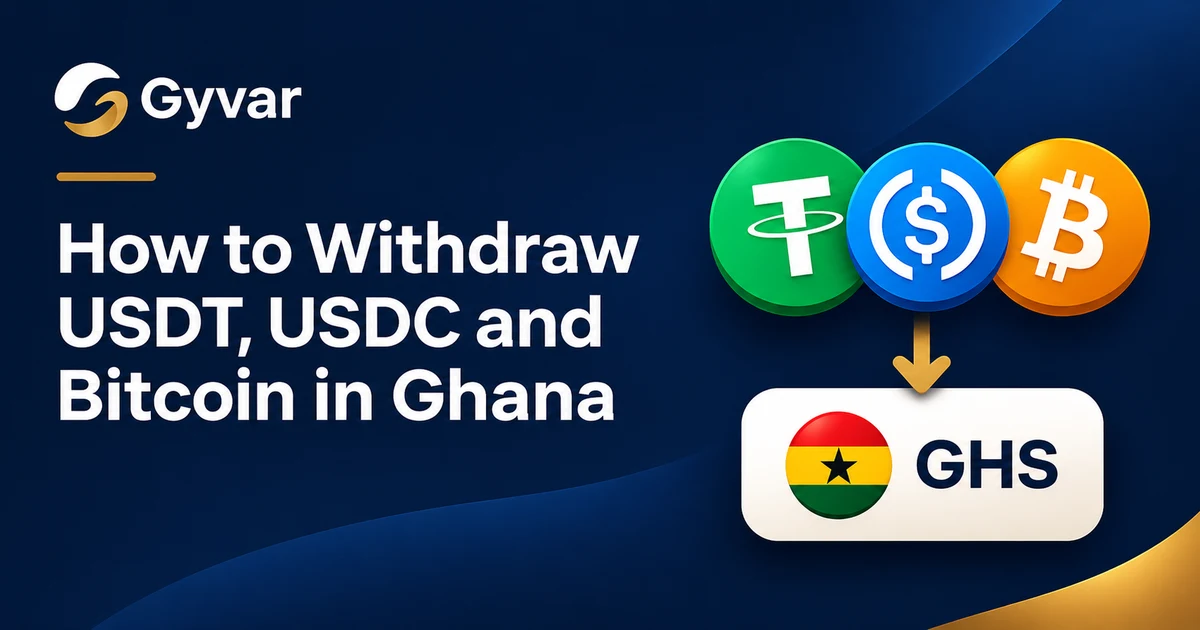
Holding USDT, USDC or Bitcoin is one thing. Getting that money into a Ghanaian mobile money wallet or bank account is another.
Whether you need Ghana cedis for everyday expenses, to send money to family, to pay a supplier or to use your balance, a direct withdrawal option matters. With Gyvar you can withdraw from your Bitcoin or stablecoin balance straight to a supported mobile money wallet or bank account in Ghana.
Withdrawals to Ghana are free.
Why not use P2P?
Most people who want cedis today use peer-to-peer (P2P) trading. You find a buyer, agree on a rate, and wait for the payment to reach your mobile money wallet or bank account. That can take several steps, including confirming that the money has arrived.
Gyvar is a more direct route. You deposit Bitcoin, USDT or USDC into your Gyvar balance and withdraw cedis to a supported account, without finding a buyer or arranging a separate transaction.
Where the cedis can go
- MTN Mobile Money
- Telecel Cash
- AirtelTigo Money
- Supported Ghanaian bank accounts
You can withdraw to your own account or to someone else's. The recipient does not need a Gyvar account or a Bitcoin or stablecoin wallet. They receive cedis in their mobile money wallet or bank account.
What you can withdraw from
Gyvar supports withdrawals from three balances:
- USDT (Tether): a stablecoin designed to hold close to the US dollar.
- USDC (USD Coin): a stablecoin backed by US dollars.
- Bitcoin (BTC): the first Bitcoin, on the Bitcoin network or over Lightning.
Lightning is a quick way to send Bitcoin, especially for smaller amounts. If your Bitcoin is in a Lightning wallet, you can deposit it to Gyvar and withdraw cedis the same way.
USDT and USDC are available on several networks. Always pick the network shown in the app for the asset you are depositing. A deposit on the wrong network can be lost.
How to withdraw
- Create your account at app.gyvar.com.
- Complete verification. Confirm your phone number, then verify your identity with a valid ID and a selfie.
- Deposit Bitcoin, USDT or USDC to your Gyvar balance on the network shown in the app. For Bitcoin, Lightning is an option.
- Choose the destination. Pick a mobile money wallet or a bank account in Ghana and enter the recipient's details.
- Review and confirm. Enter the amount, check the exchange rate and the exact GHS amount the recipient will receive, then confirm.
When the withdrawal is complete, the recipient receives the cedis in their selected account. You can follow the status in the app until then.
If something goes wrong
- Wrong network. Funds sent on the wrong network can be lost. Check the network against the one shown in the app before you send, and contact us straight away if you have already sent.
- The name does not match. For mobile money, we check the name on the account before the withdrawal is saved. If it does not match, check the number and try again.
- Bank accounts are not name-checked. We cannot check the account holder's name for Ghanaian bank accounts. Check the account number and bank before you confirm.
- The amount is below the minimum. The app does not allow it. Increase the amount to the minimum shown for that network.
Why withdraw with Gyvar
- Free withdrawals. No withdrawal fees to supported mobile money wallets and bank accounts in Ghana.
- Clear rates. You see the exchange rate and the amount the recipient gets before you confirm.
- Lightning for Bitcoin. Deposit Bitcoin over Lightning or on the Bitcoin network.
- Withdraw to anyone. Your own account, a family member, a friend or a business. Recipients do not need a Gyvar account.
Frequently asked questions
Are withdrawals to Ghana free?
Yes. There are no withdrawal fees to supported mobile money wallets or bank accounts in Ghana.
Can I withdraw Bitcoin using Lightning?
You can deposit Bitcoin over Lightning. Once it is in your Gyvar balance, you can withdraw cedis to a supported account.
Can I withdraw to someone else's account?
Yes. Choose their mobile money number or bank account as the recipient. They do not need to register with Gyvar.
How long does it take?
Mobile money payments usually arrive within a minute, and bank payments within five minutes. If yours has not arrived by then, contact us.
Do I need to verify my identity?
Yes. You must complete verification before you can withdraw.
Start your withdrawal
Deposit your Bitcoin, USDT or USDC, choose where the cedis should go, review the amount and withdraw.
Create your Gyvar account and make your first withdrawal today.